

#Direct Posting to TikTok
Today I am excited to announce a new feature that will make it EASY to share your beats to TikTok using our Promo Video feature.
If you haven't already created some promo videos, be sure to check out our Introduction to Promo Videos guide.
#Enabling TikTok Integration
To get started, you will need to connect your TikTok account to BrowseBeats. This is a one-time process that will allow you to post videos directly to TikTok.
- Go to your Dashboard and click on "integrations" from the left sidebar.
- Click on "Connect to TikTok" and follow the prompts to authorize BrowseBeats. Make sure you are logged into the correct TikTok account in your browser before authorizing, and that you grant all requested permissions.
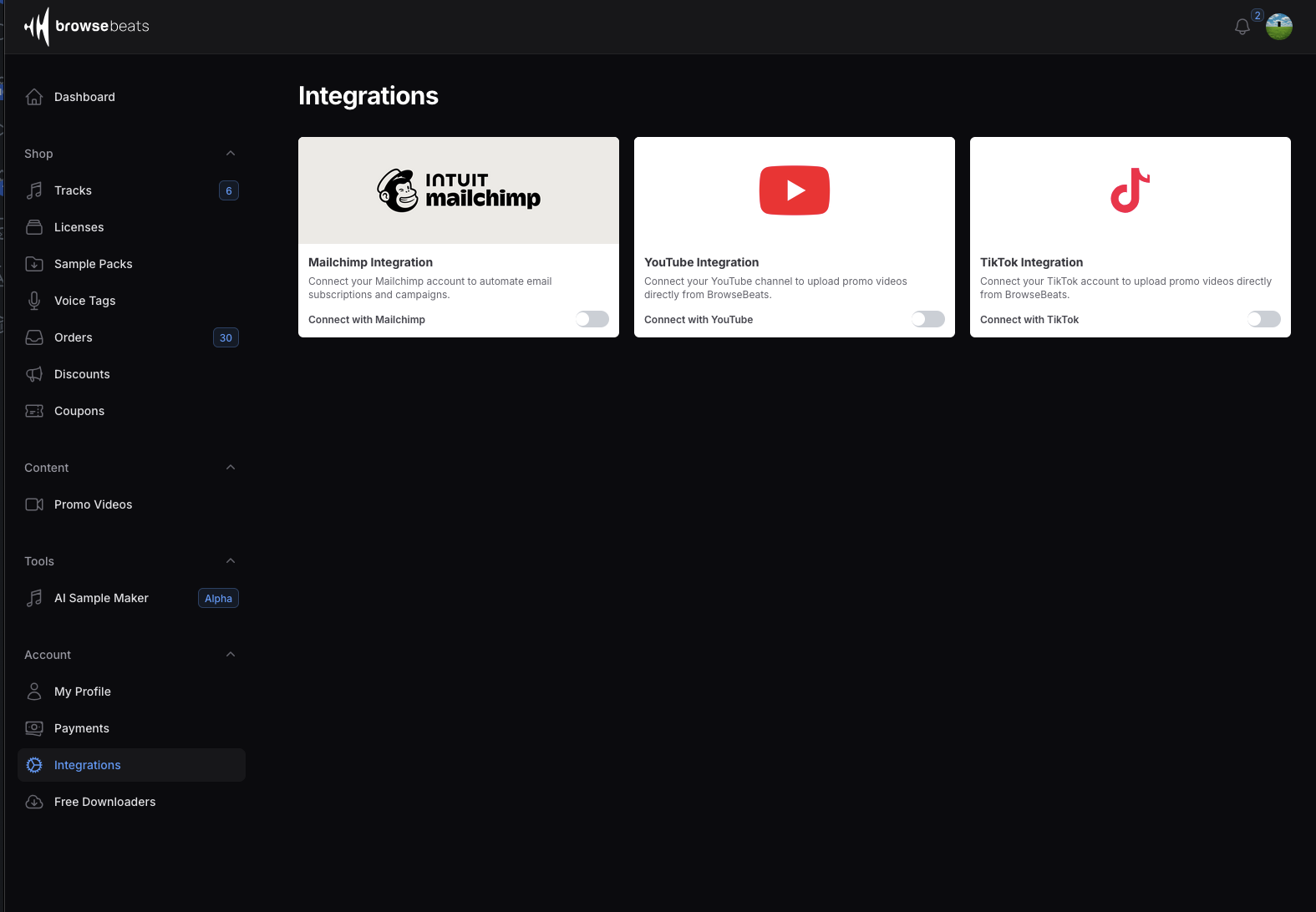
- Once connected, you will see a confirmation message.
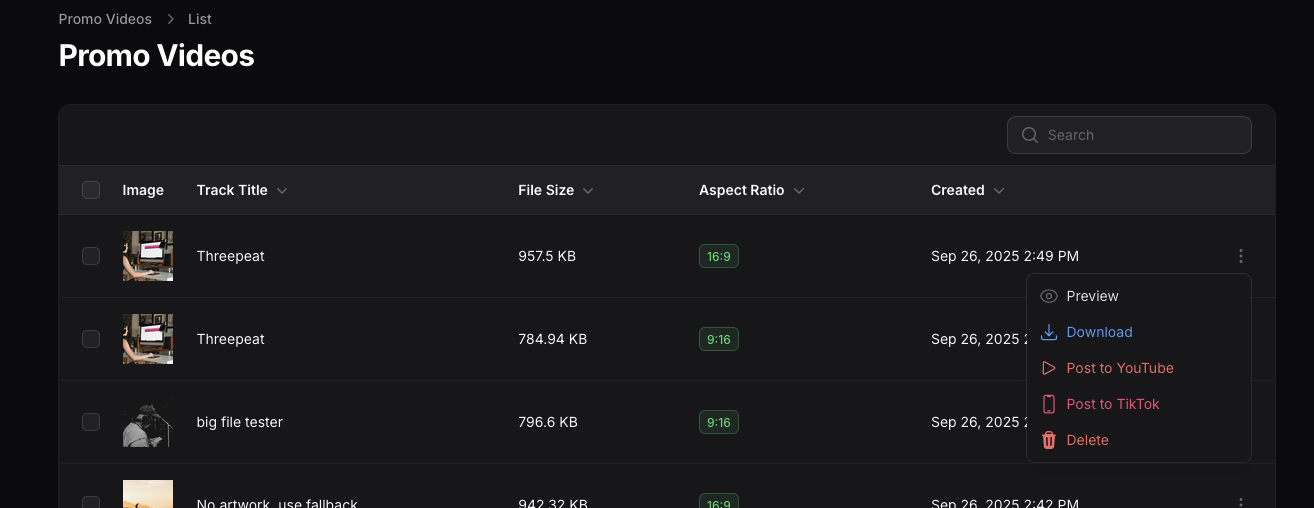
- Navigate to the Promo Videos page, click the 3 dots menu next to any video, and you will see the option to "Post to TikTok".